How to Find Your Current Location
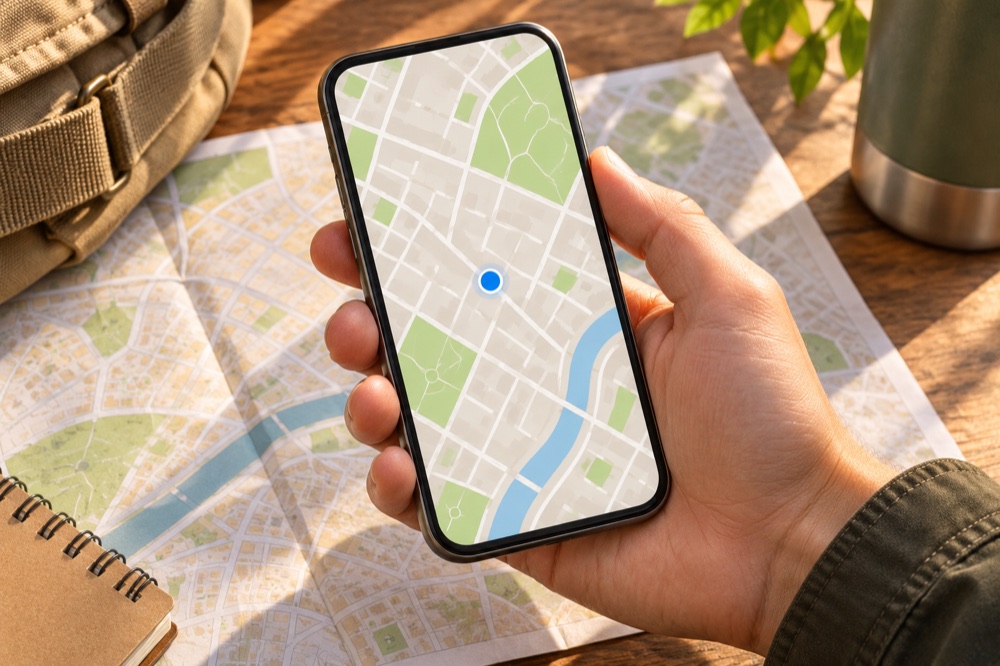
Open a maps app and look for the blue location dot.
If the location is unclear, check the app’s permission and the accuracy circle.
Step by step
Center the map
Tap the location button. If asked, choose a permission level appropriate for this task. Google Maps can show the position as a blue dot.
Check how precise it is
A larger circle means the estimate is less precise. Move to a place with better signal if safe, confirm nearby landmarks, and check the street address before relying on the dot.
Share deliberately
Send an address or a single pin when that is enough. Continuous location sharing is a separate action. Choose the intended person and duration before turning it on.
Official instructions and references · Google Maps Help