How to Restart an iPhone
Turn the iPhone off and back on using the buttons for your model.
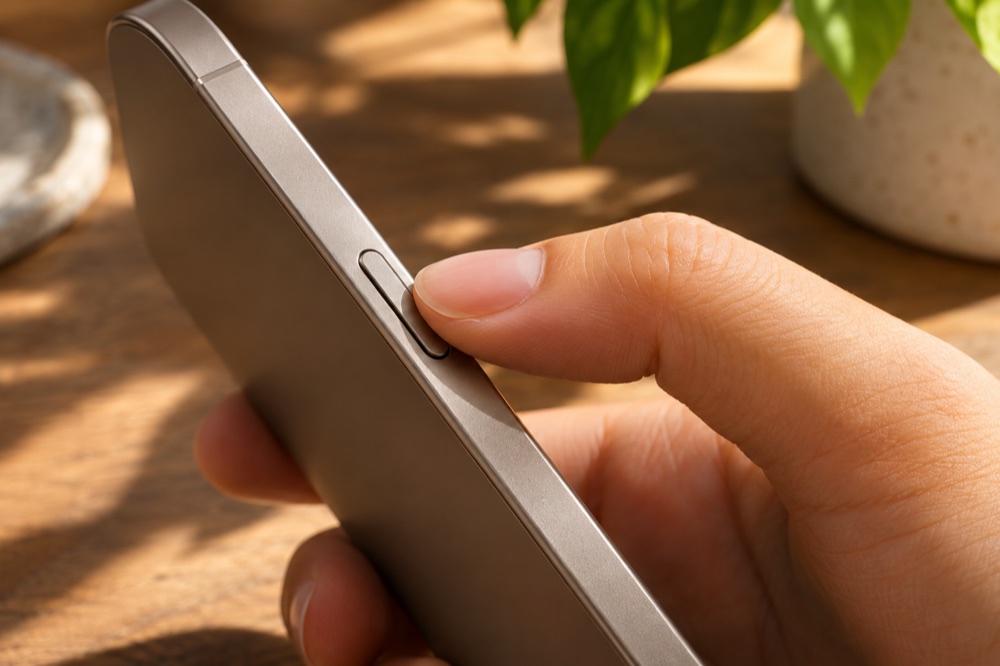
On iPhone X and later designs, hold the side button and either volume button until the slider appears.
See the interface in Apple Support ↗
- Recent models
- Hold Side + either Volume button
- Power off
- Drag the slider and wait
- Power on
- Hold Side or Top until the Apple logo
Step by step
Find the power controls
Use side and volume together on most recent models. On iPhone 6–8 and iPhone SE second and third generations, hold the side button. On older models such as the original iPhone SE, use the top button.
Power the phone down
Drag the power-off slider and give the screen about 30 seconds to go dark. Release the physical buttons as soon as the slider appears.
Turn it on again
Press and hold the side button, or the top button if your model has one there, until the Apple logo appears. Then wait for the lock screen.
If the screen won’t respond
A normal restart needs the slider. Apple links to model-specific force-restart steps from the official instructions below. An ordinary restart leaves your apps and data in place.
Official instructions and references · Apple Support